
Built for your kind of work.
TilOps runs any small business. Packs add tools for your trade, on any plan.
14 days free. No card.
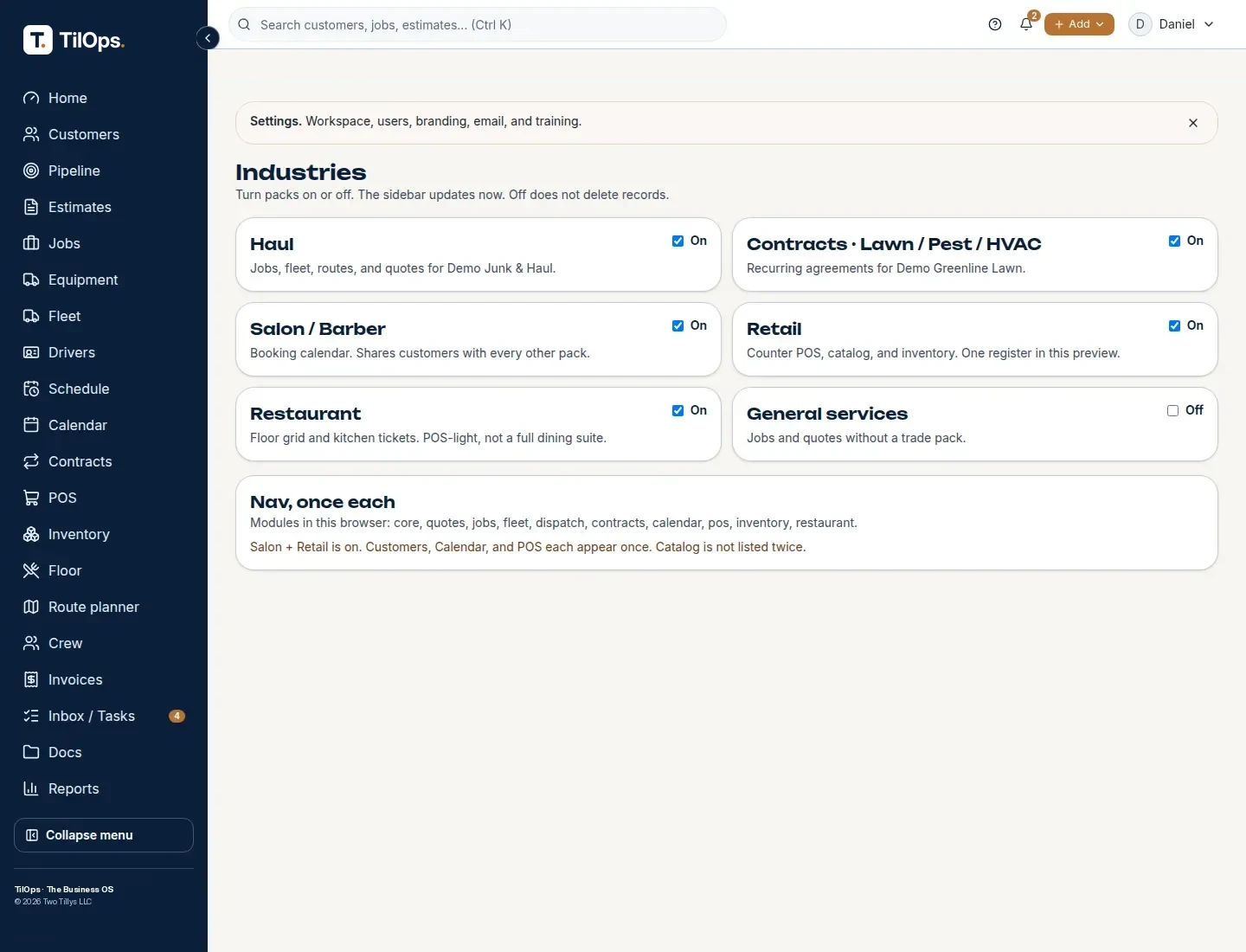
Three steps.
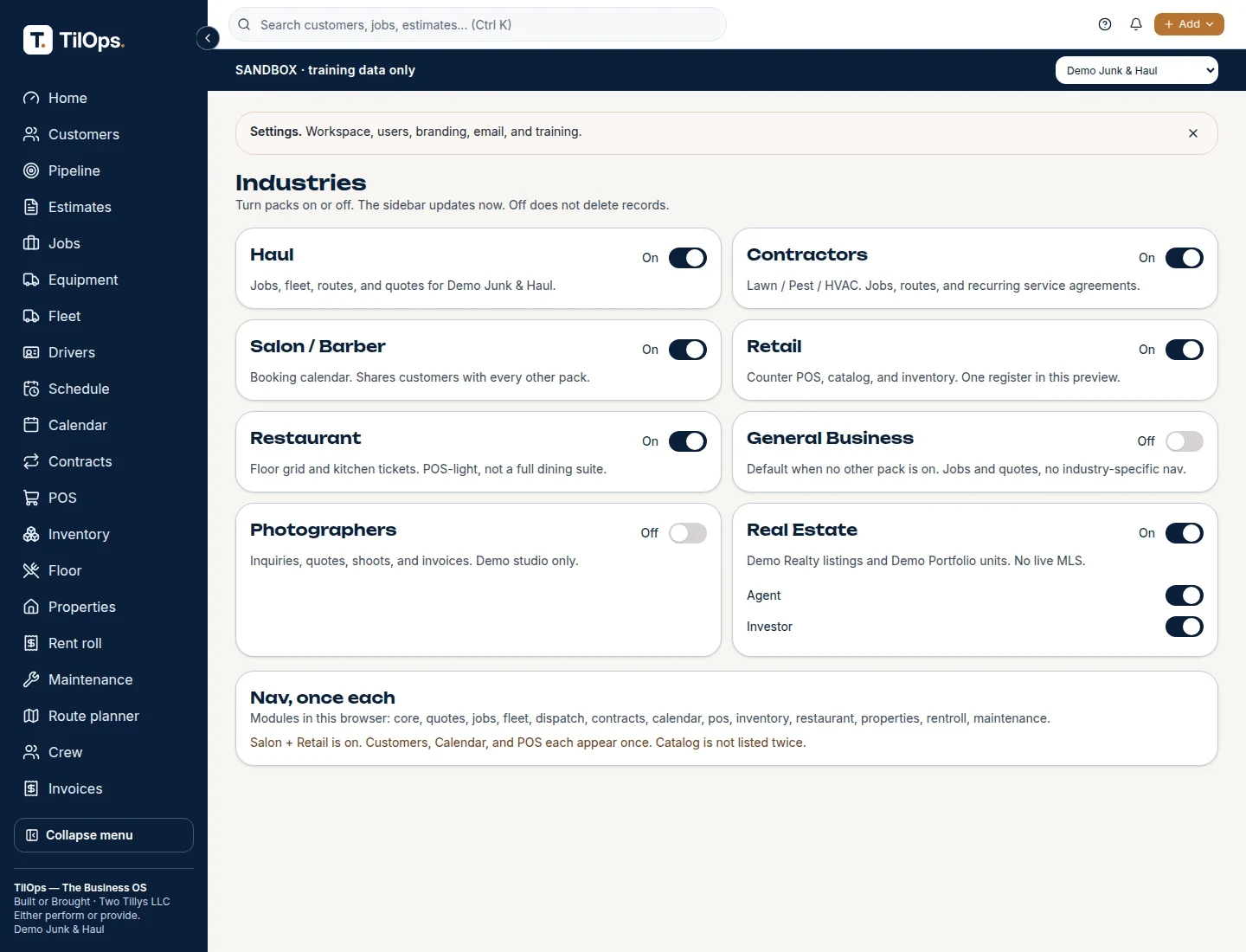
Open Settings.
Turn on your pack.
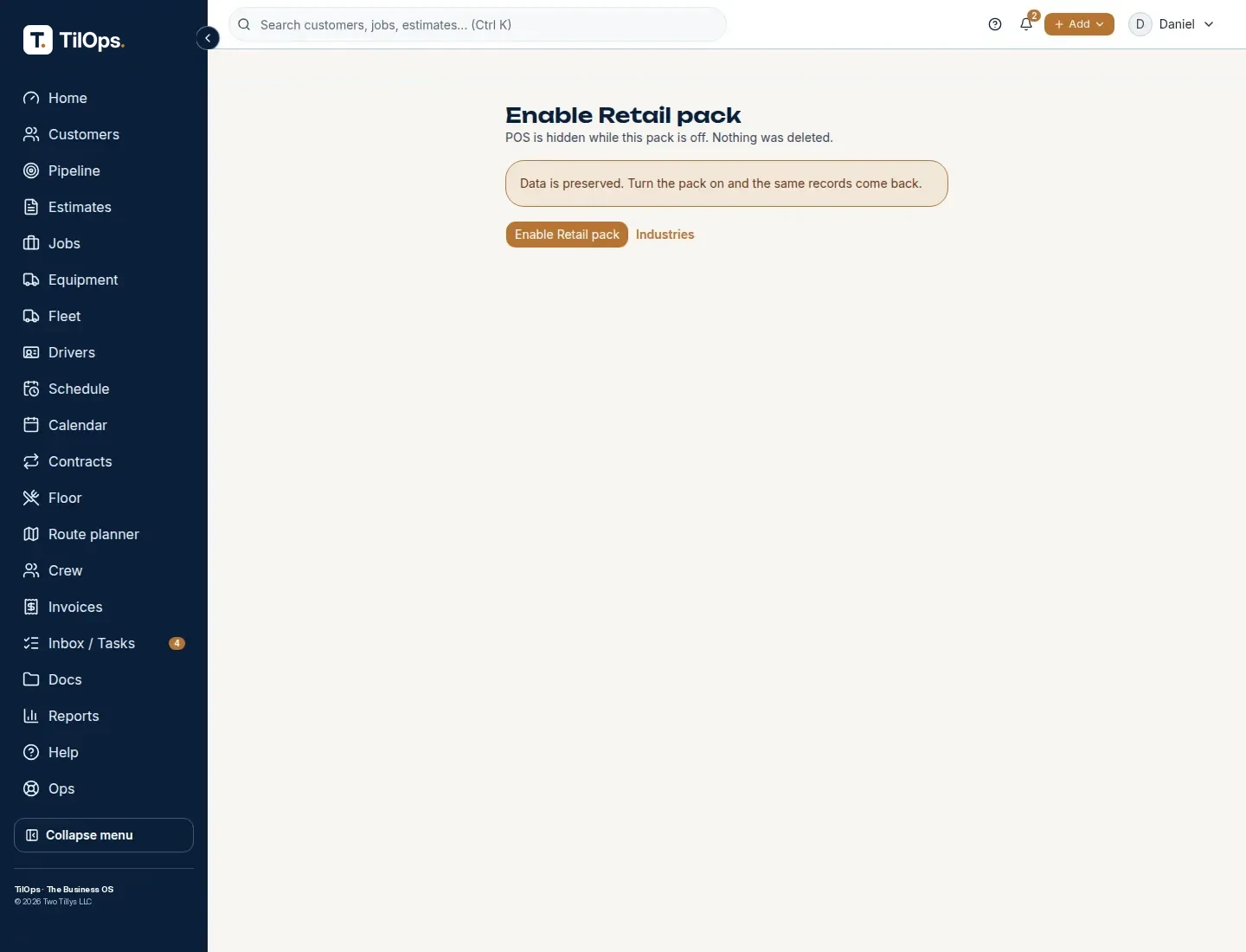
New screens show up in your menu.
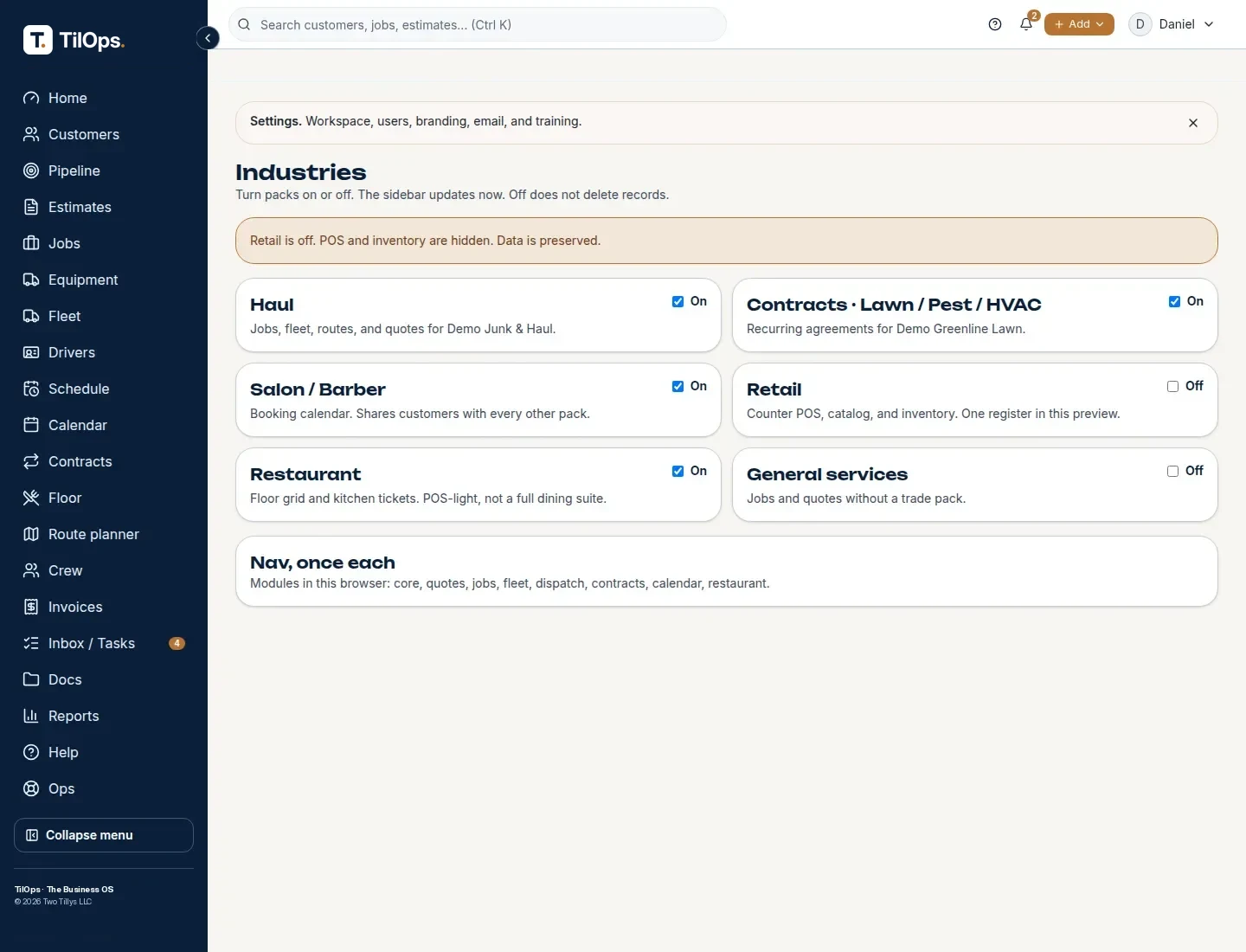
All 12 packs, ready on any plan
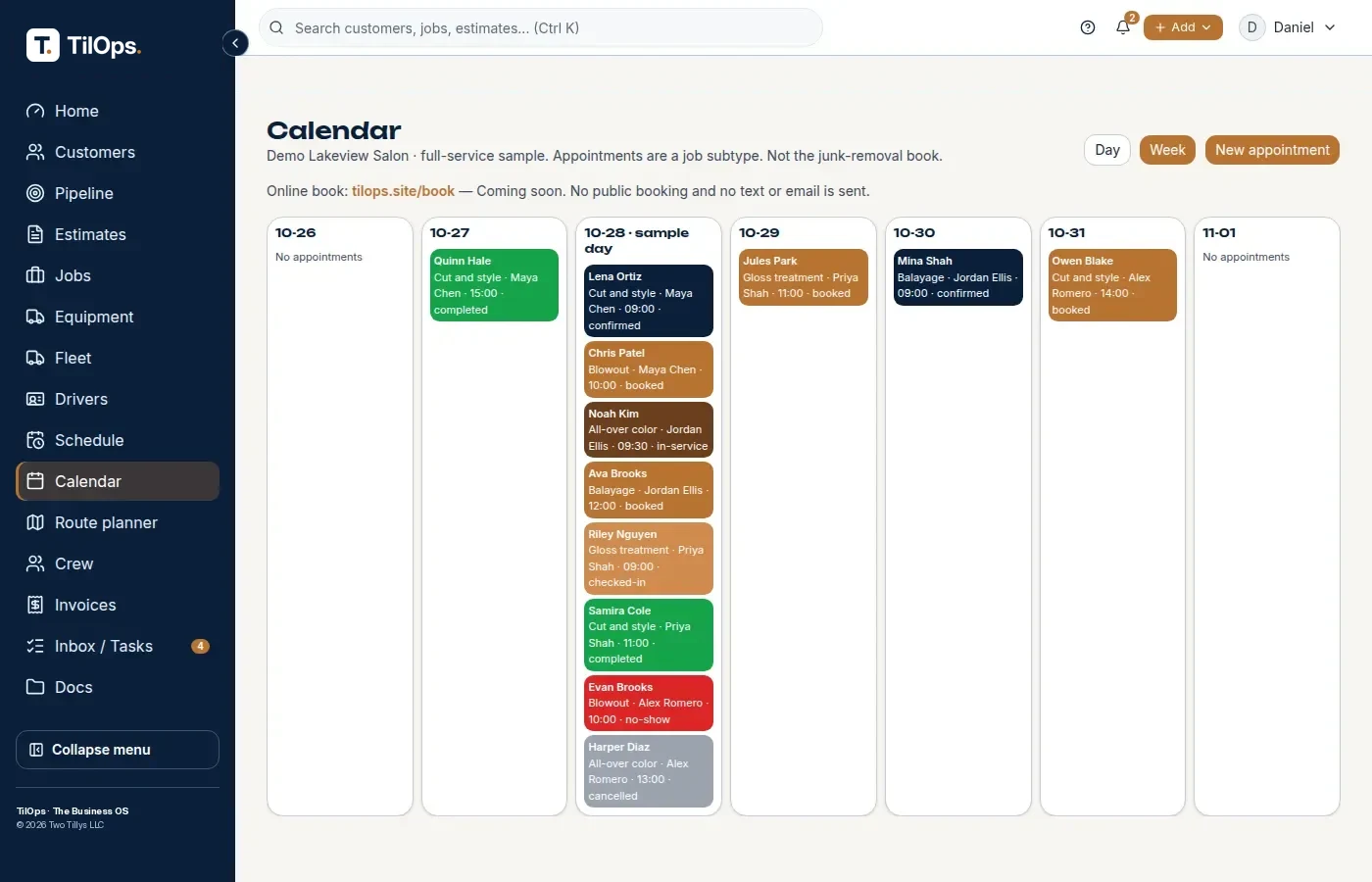
Salons, spas & barbers
Book by chair. Bill at checkout.
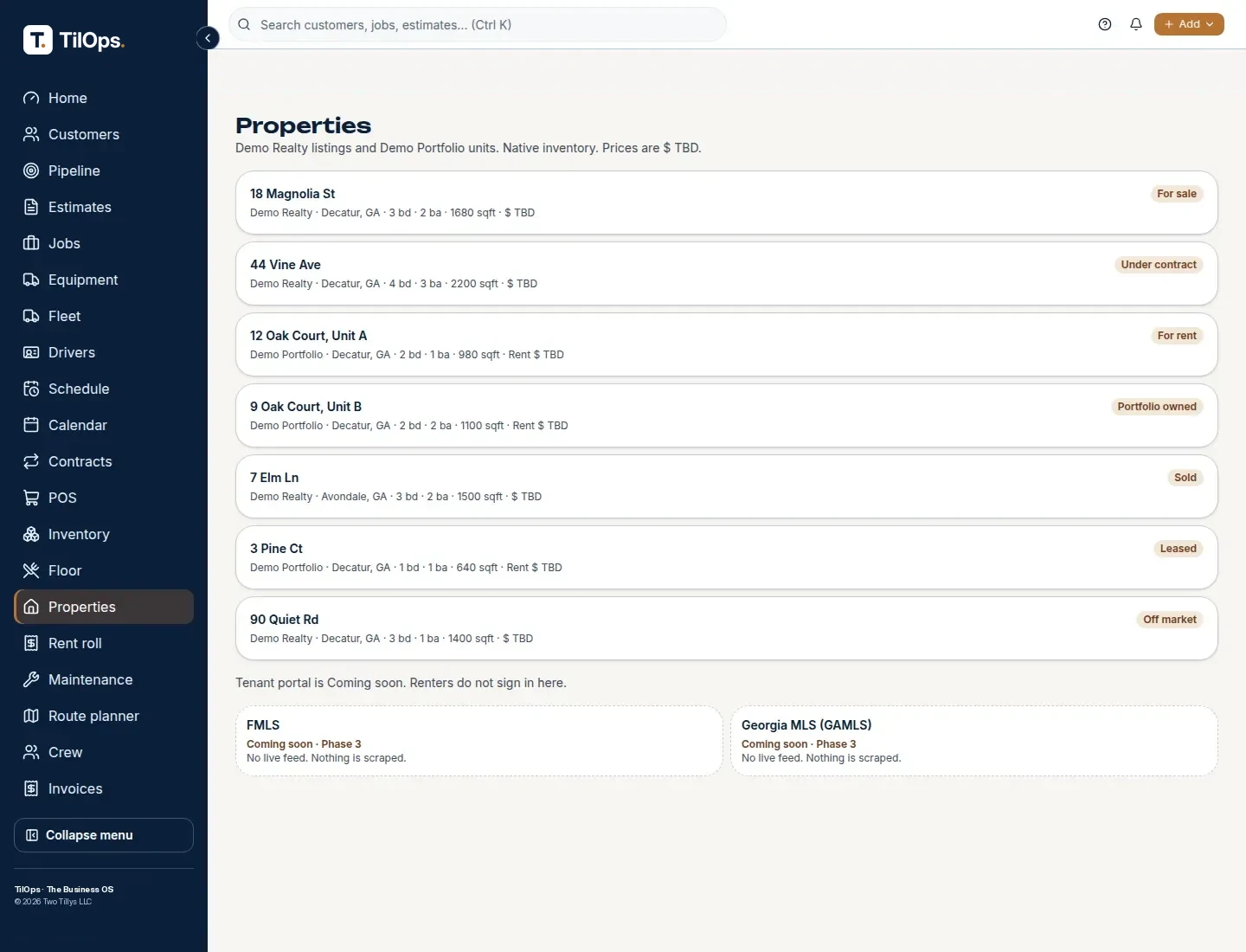
Real estate & investors
Properties, tenants, and rent roll.
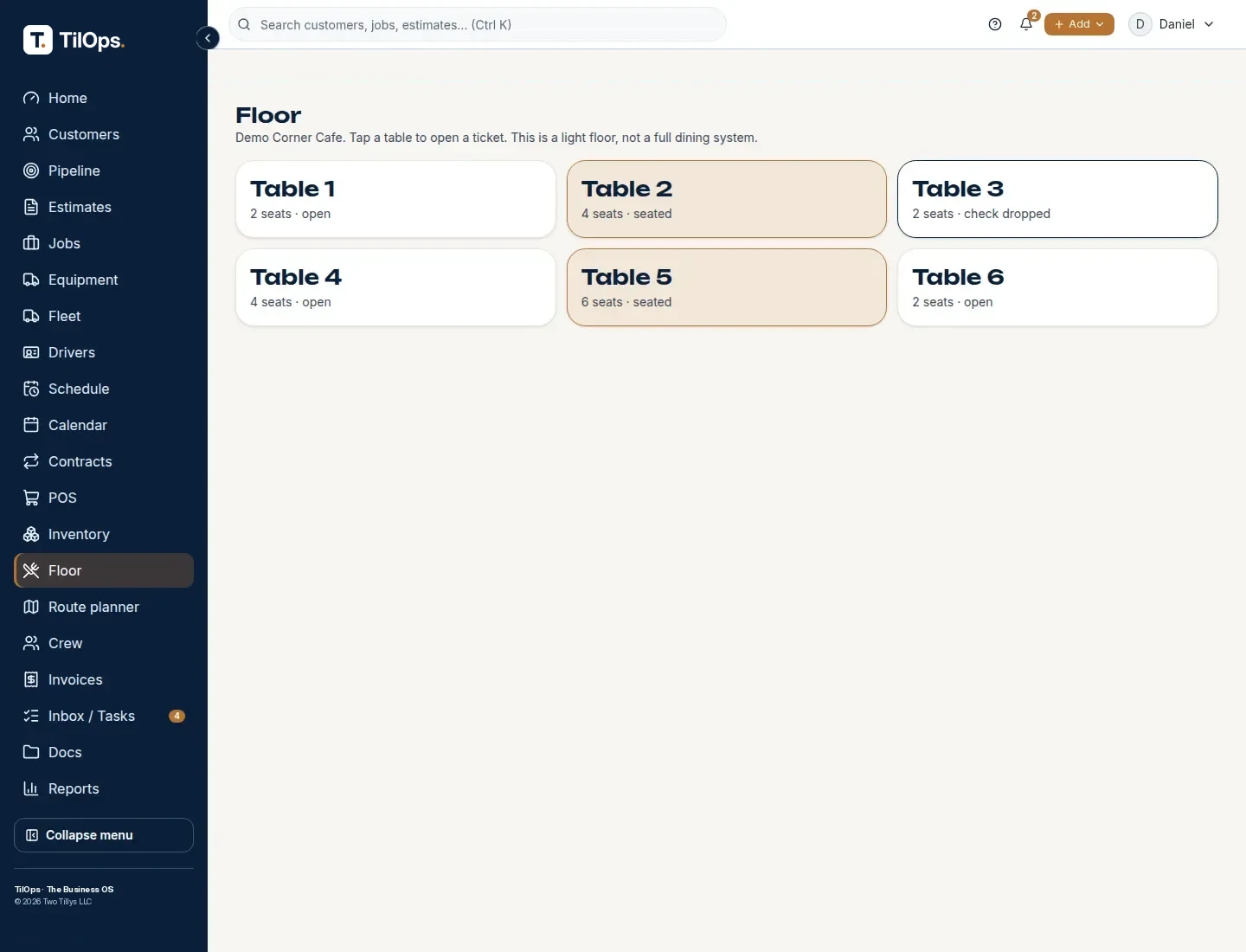
Restaurant POS
Floor map, tickets, split checks.
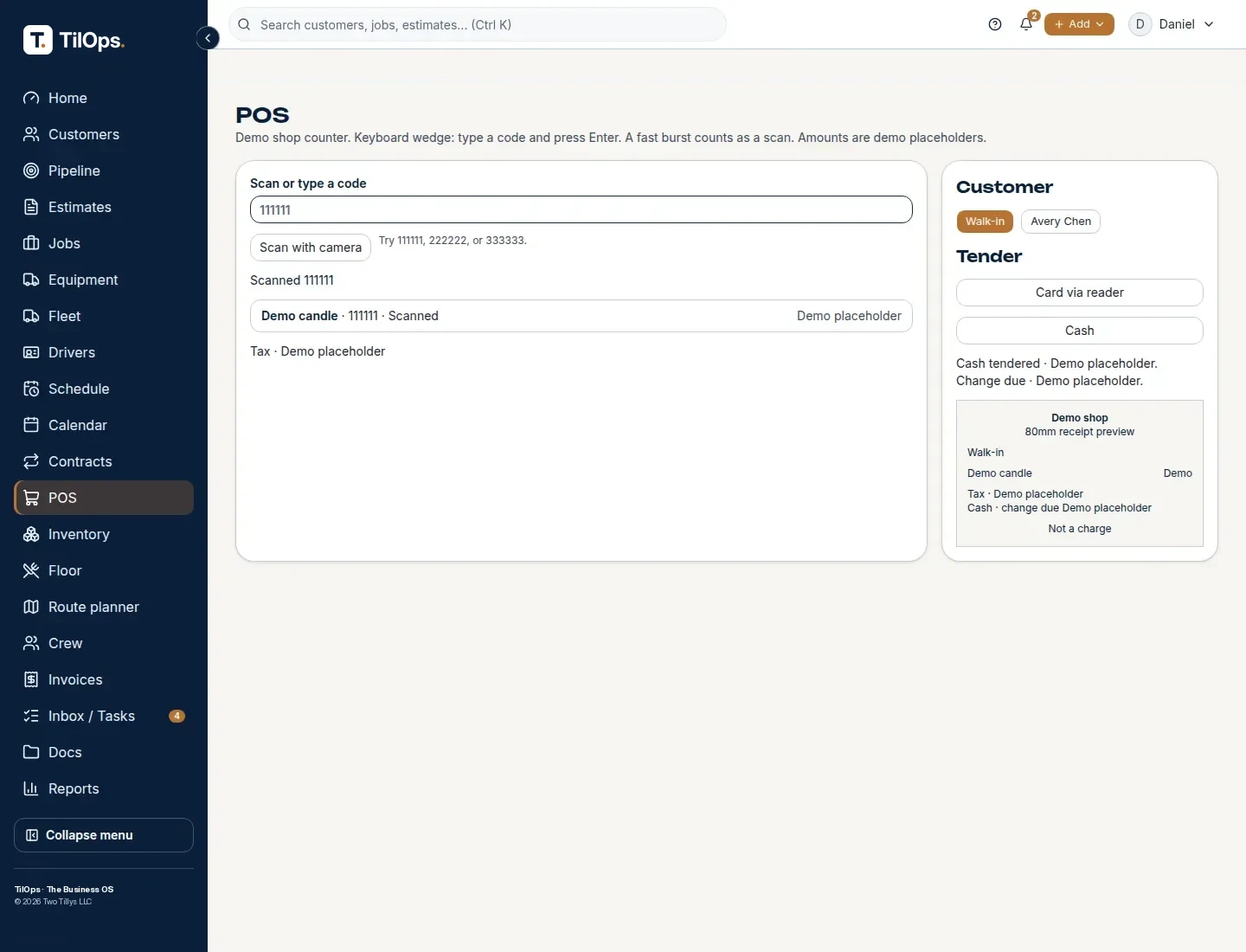
Retail POS
Scan, sell, send the receipt.
Photographers
Shoots, clients, and bills in one place.
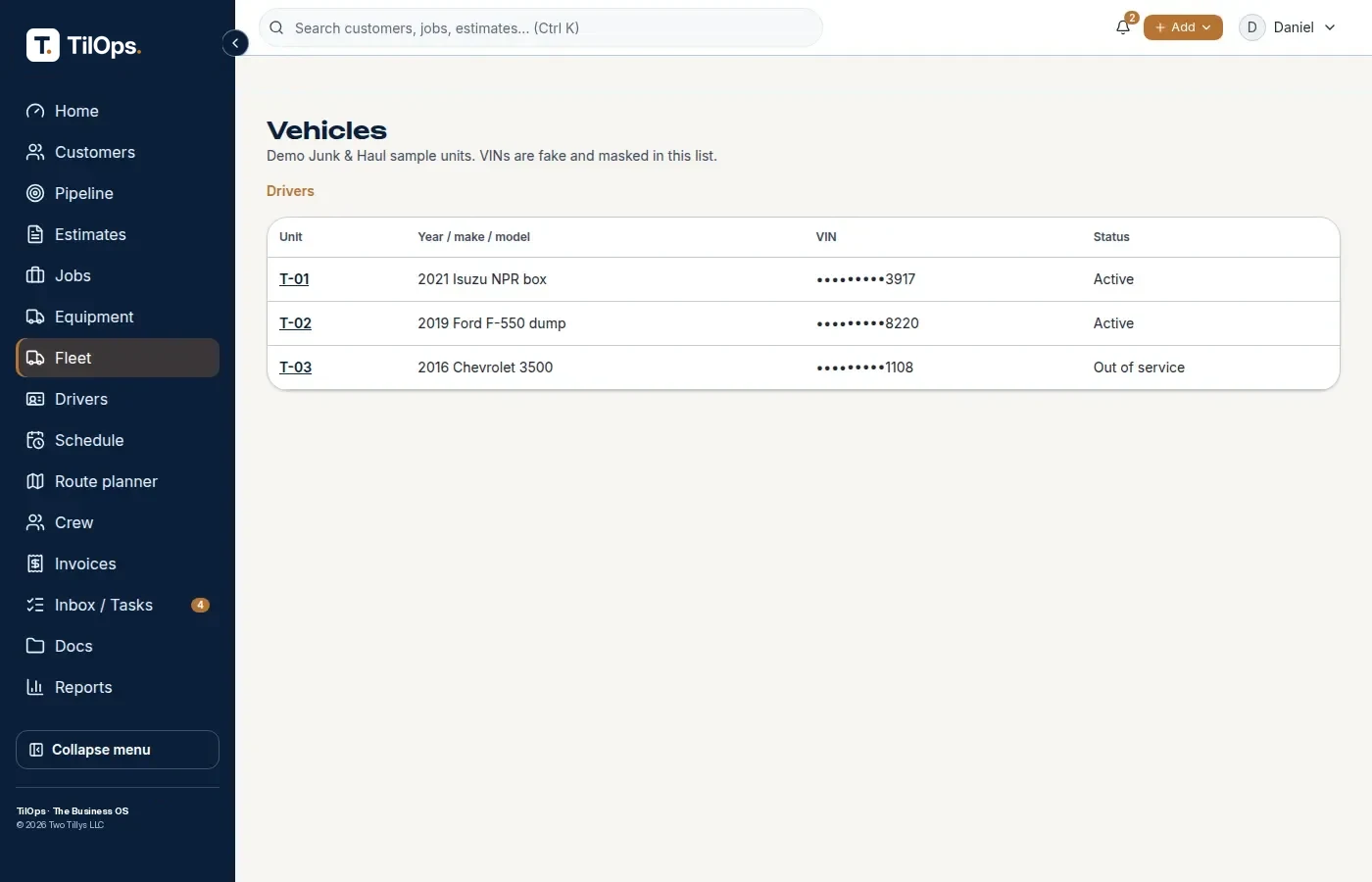
Fleet
Drivers, vehicles, and daily checks.
Junk removal
Quote · Book · Bill
See the pack →Pest control
Visits & notes
See the pack →Weed control
Routes & seasons
See the pack →Mobile detailing
Book · Detail · Pay
See the pack →Contractors
Quotes · Jobs · Crews
See the pack →General
Core tools
See the pack →Don’t see your industry? Message us / book a time — we’ll open it up for you.
More industries coming soon.
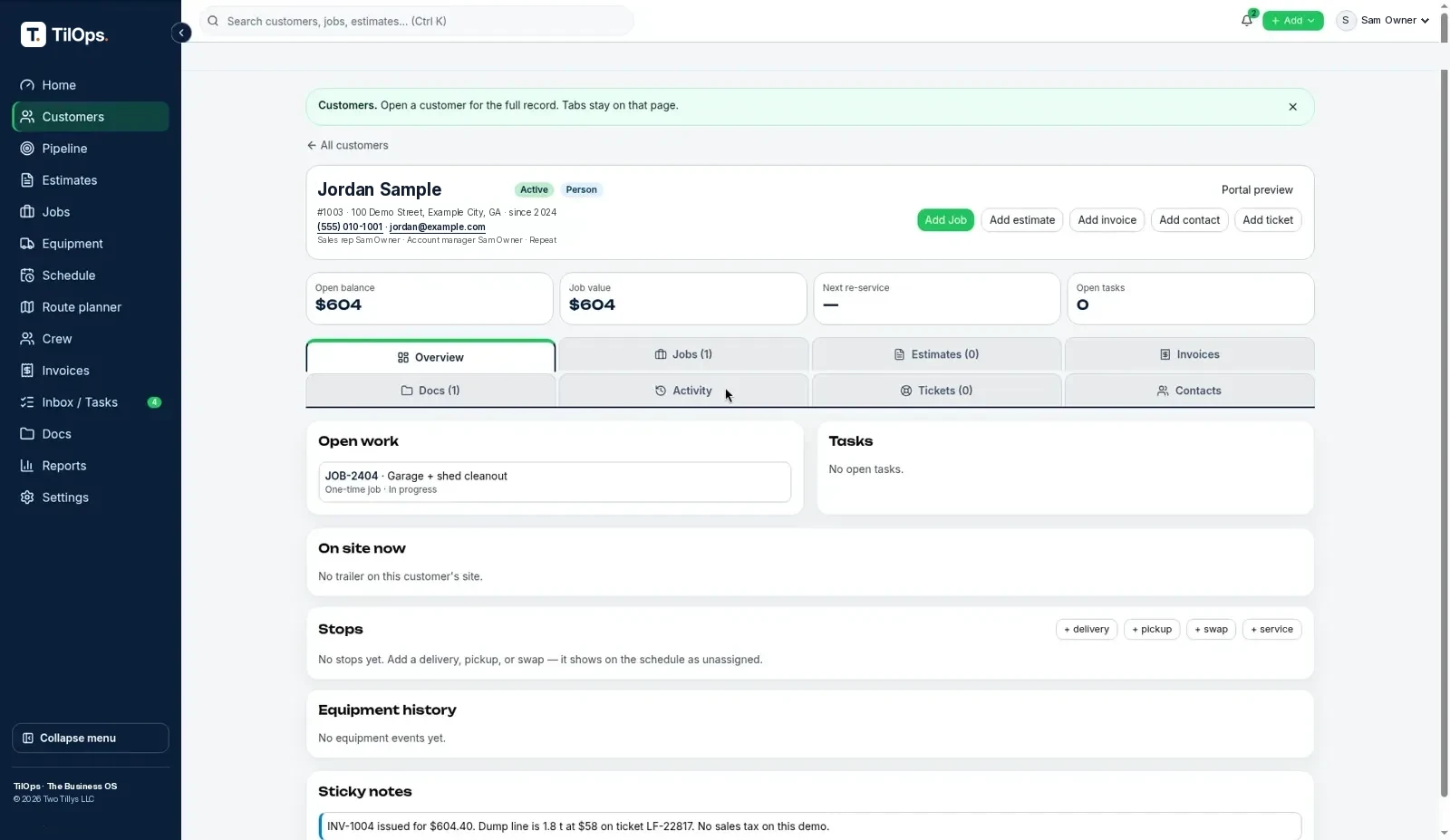
Every pack shares the same customer page.
Your pack adds screens. Customers, quotes, and bills stay in one place.
Questions
What is a pack?
A pack adds screens for your trade, like a booking calendar for a salon or a floor map for a restaurant.
Does a pack cost extra?
No, it works on any plan.
Can I turn one off?
Yes. Turn it off in Settings. Your data stays.
Which packs are live?
All of them: salon & spa, real estate & investors, restaurant POS, retail POS, photographers, fleet, junk removal, pest control, weed control, mobile detailing, contractors, and General for any business.
What if my trade isn't listed?
Use the General pack (/industries/general/). It runs any small business on the core tools. Turn it on in Settings → Industry packs.